> ## Documentation Index
> Fetch the complete documentation index at: https://futureagi.mintlify.site/llms.txt
> Use this file to discover all available pages before exploring further.
# Personas
> To create realistic scenarios, you need to create personas that will be used in your simulation tests.
***
**Chat vs Voice compatibility**
* For **chat simulations**, use **chat personas** (chat behavior, tone, and custom properties).
* **Voice personas / voice-only persona settings** (accent, background noise, conversation speed) can’t be used for chat tests.
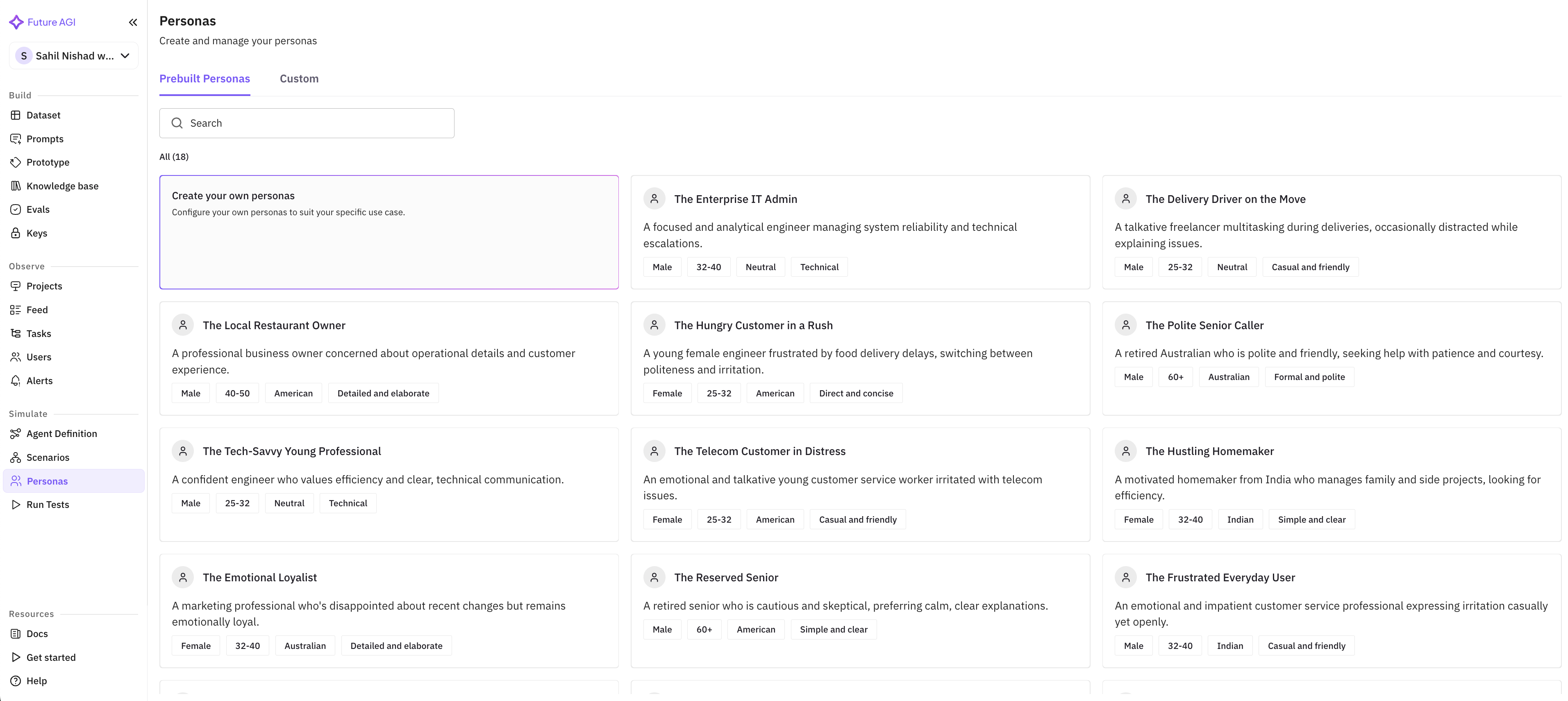
Future AGI provides 18 pre-built personas that you can use to generate realistic scenarios. You can also create your own personas
 ***
## Creating Custom Personas
Click on "Create your own persona" to create a custom persona.
***
## Creating Custom Personas
Click on "Create your own persona" to create a custom persona.
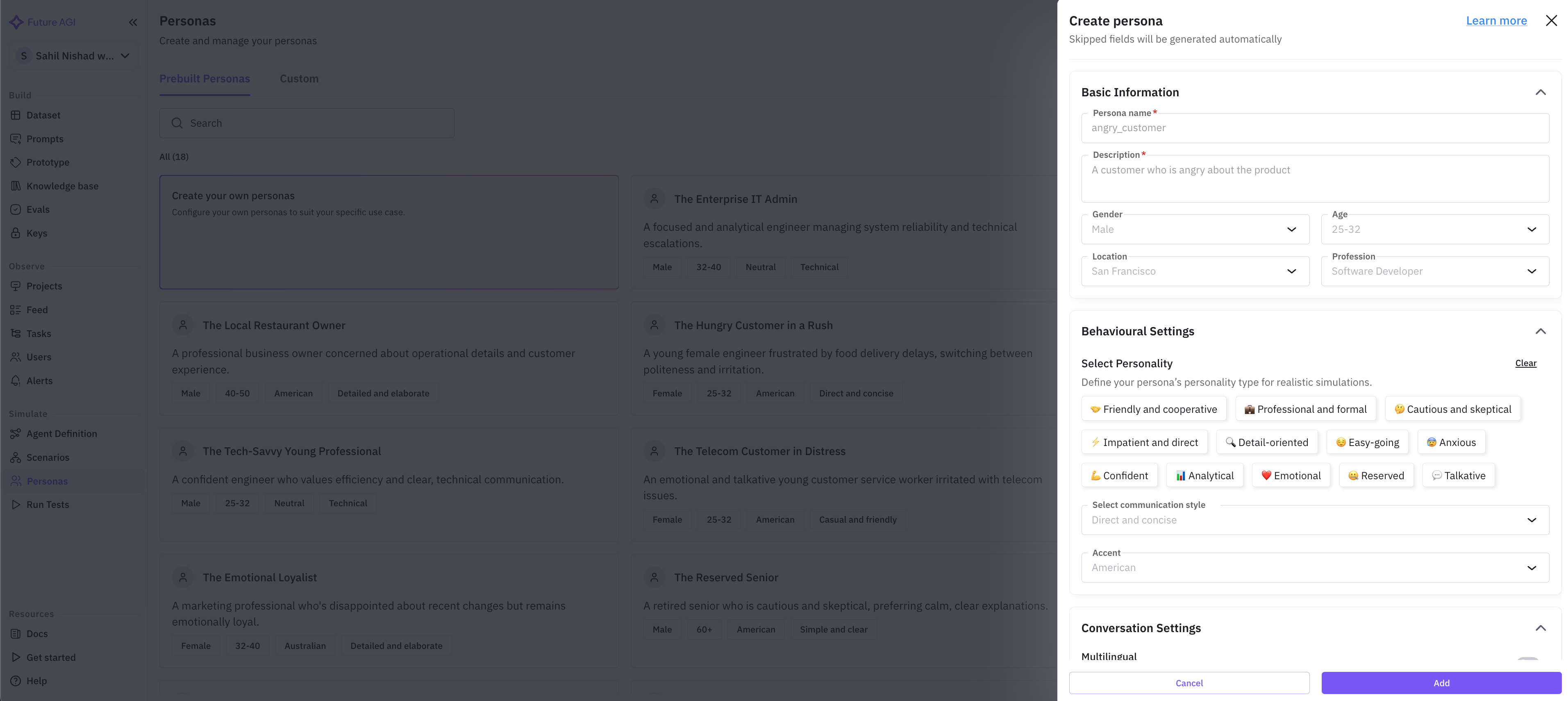
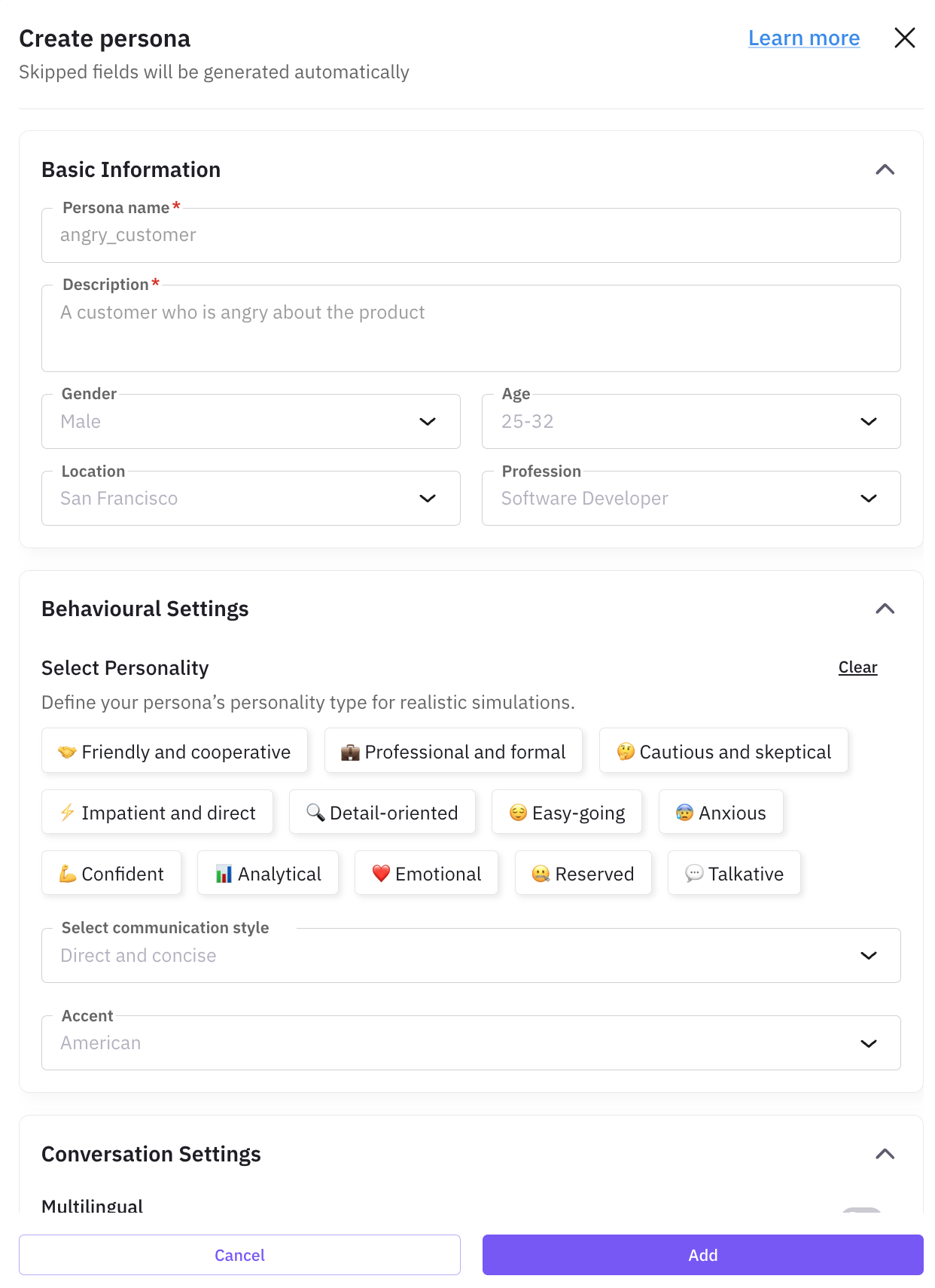 This information is the fundamental information about the persona. This information will be used by the FAGI simulator to identify themselves.
 | Property | Description |
| ------------------- | ----------------------------------------------------------------------------------------------------------- |
| Persona Name | The name of the persona you want to assign |
| Description | Describe the persona. For example, "an angry customer who is not happy with the service" |
| Gender (optional) | Choose the gender of the persona: male or female or both |
| Age (optional) | Choose single or multiple age ranges of the persona: 18-25, 25-32, 32-40, 40-50, 50-60, 60+ |
| Location (optional) | Choose single or multiple locations of the persona: United States, Canada, United Kingdom, Australia, India |
This defines the way the FAGI simulator will behave. Select personality traits, along with the communication style and accent.
| Property | Description |
| ------------------- | ----------------------------------------------------------------------------------------------------------- |
| Persona Name | The name of the persona you want to assign |
| Description | Describe the persona. For example, "an angry customer who is not happy with the service" |
| Gender (optional) | Choose the gender of the persona: male or female or both |
| Age (optional) | Choose single or multiple age ranges of the persona: 18-25, 25-32, 32-40, 40-50, 50-60, 60+ |
| Location (optional) | Choose single or multiple locations of the persona: United States, Canada, United Kingdom, Australia, India |
This defines the way the FAGI simulator will behave. Select personality traits, along with the communication style and accent.
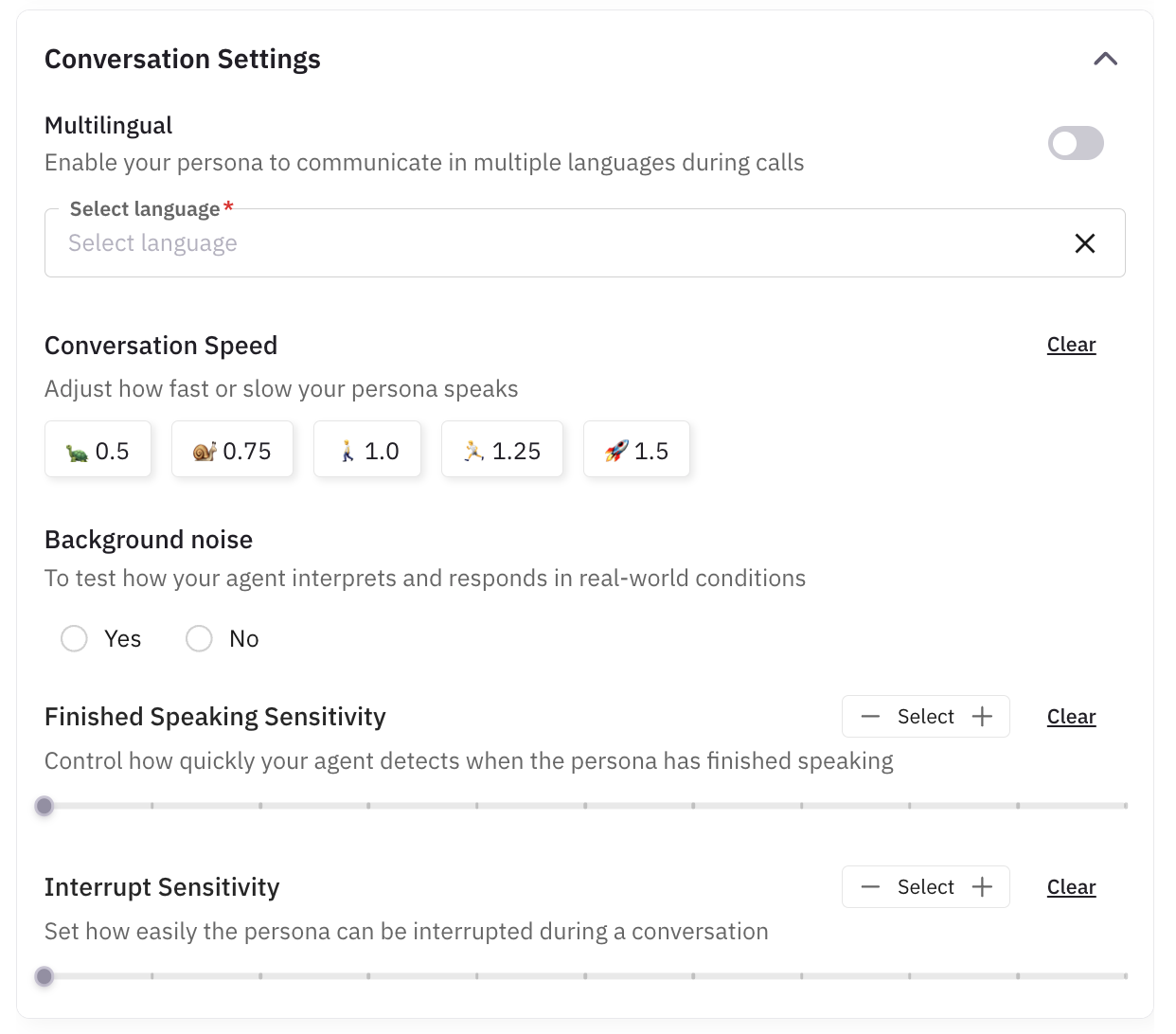
 This lets you control the way the simulators with have the conversation. Choose the conversation speed and the way the simulator will respond to the user.
To have a realistic scenario, you can even choose to have background noise in the conversation.
Our simulators are multi-lingual and support many popular languages. To have the simulators speak in multilingual mode, you just have to enable the "Multilingual" option and select the languages you want it to speak in.
This lets you control the way the simulators with have the conversation. Choose the conversation speed and the way the simulator will respond to the user.
To have a realistic scenario, you can even choose to have background noise in the conversation.
Our simulators are multi-lingual and support many popular languages. To have the simulators speak in multilingual mode, you just have to enable the "Multilingual" option and select the languages you want it to speak in.
 Apart from the predefined properties, you can also add custom properties to the persona. This is useful if you want to add additional information to the persona that is not covered by the predefined properties.
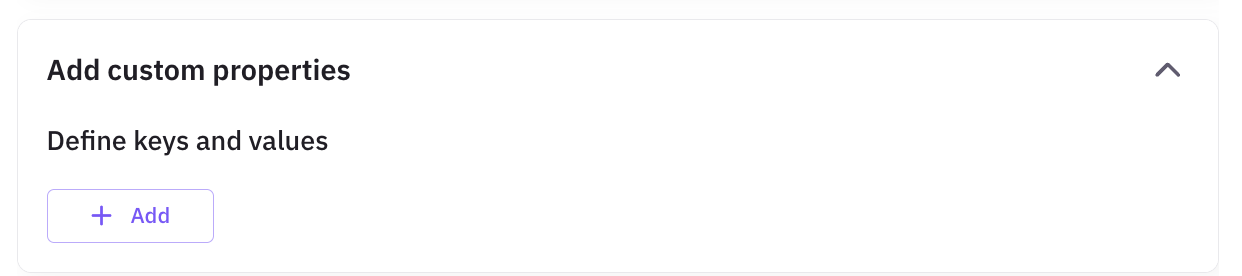
 If you want to add any additonal instructions on how the persona should behvae, you can add them here.
 After you have filled in all the details, click on "Add" to add the persona to the list.
***
After you have filled in all the details, click on "Add" to add the persona to the list.
***